Product Tools
Create clean product photos, white backgrounds, and studio scenes.
 Before
 After
AfterProduct Background
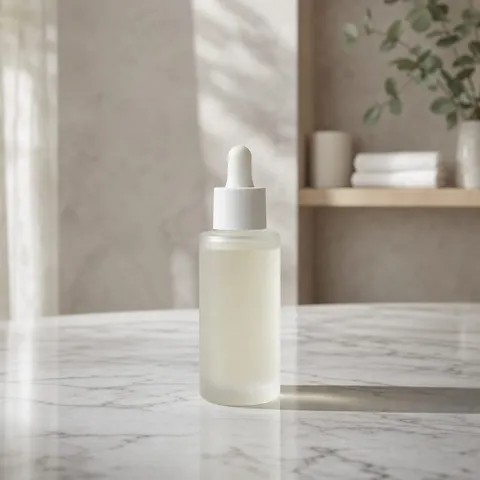
Put a product on a new commercial background.
Replace the backdrop behind any product shot with a background you describe, from marble counters to soft studio gradients. The AI keeps the exact product shape, logo, label, and color intact, so it works for online stores, ads, and social posts that need fresh product photography without a reshoot.
Common uses
 Before
 After
AfterWhite Product Photo
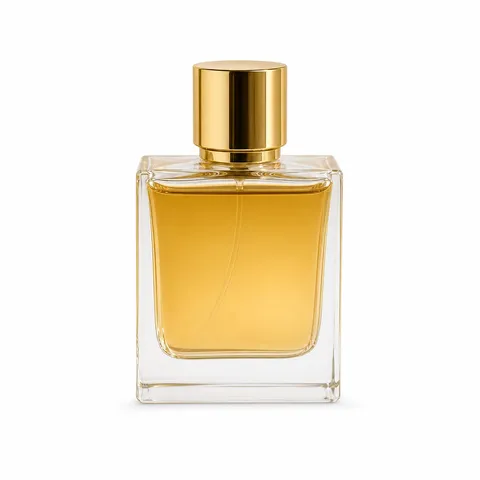
Create a clean marketplace-ready white image.
Turn any product photo into a clean image on a pure white background, with a soft natural shadow so the item still looks grounded. Built for sellers who need marketplace-ready images that meet Amazon, eBay, or Google Shopping photo requirements without booking a studio.
Common uses
 Before
 After
AfterProduct Scene
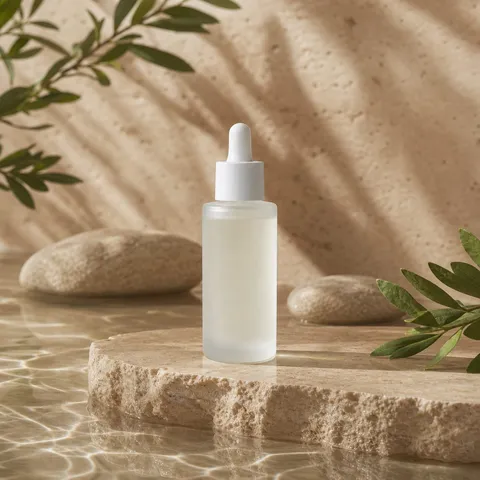
Place a product in a realistic lifestyle setting.
Place your product into a realistic lifestyle scene you describe — a kitchen counter, a bedside table, an outdoor café — while its exact shape, branding, and color stay untouched. Ideal for ads and social posts where shoppers need to see the product in a real-life context.
Common uses
 Before
 After
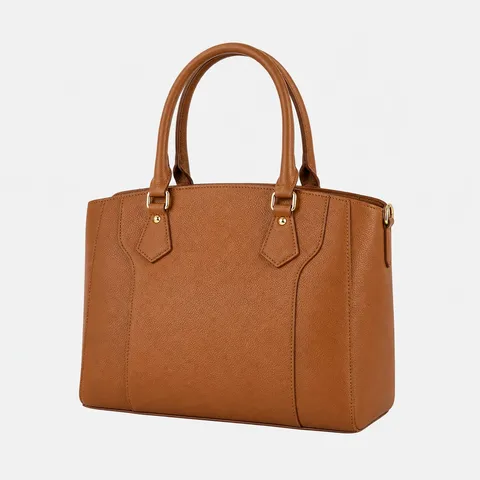
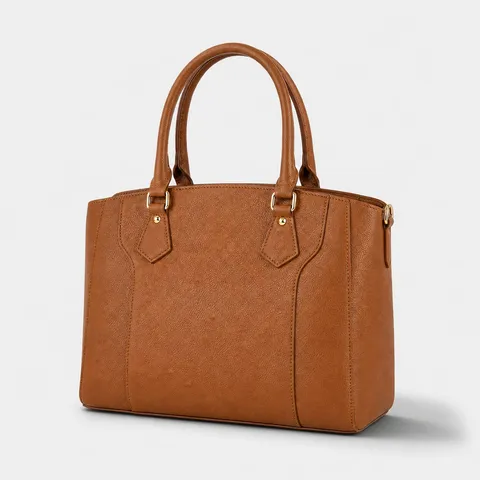
AfterProduct Shadow
Add a realistic grounding shadow.
Add a clean, realistic shadow beneath your product that follows the existing light direction, grounding cutout images that would otherwise float. A quick fix for white-background or transparent packshots that look flat on a listing page.
Common uses
 Before
 After
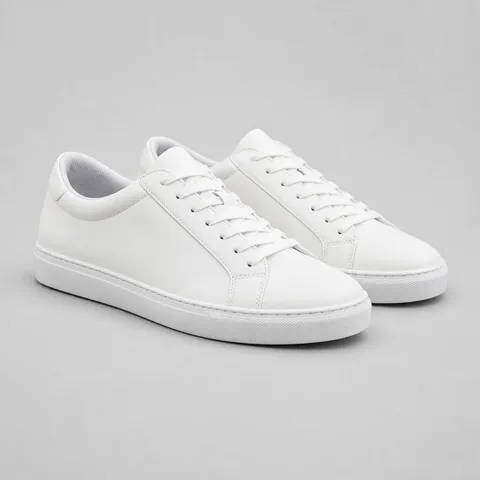
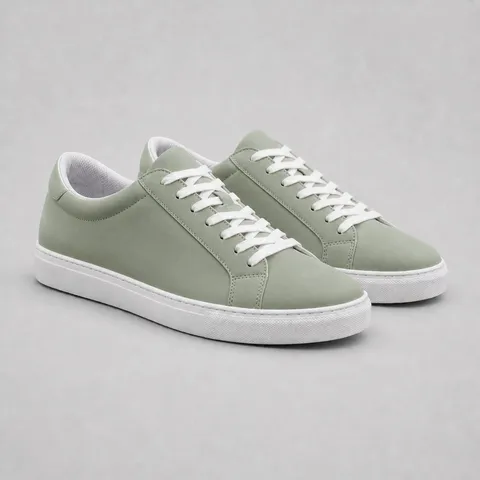
AfterChange Product Color
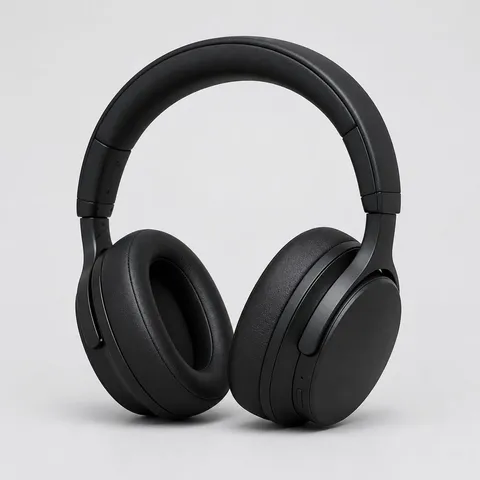
Preview another color without changing its shape.
Change only the color or material of your product — matte black, rose gold, ocean blue — while shape, branding, lighting, and background stay exactly the same. Sellers use it to preview color variants and list every SKU shade without photographing each one.
Common uses