Creative Tools
Turn photos into cartoons, sketches, anime, and artistic styles.
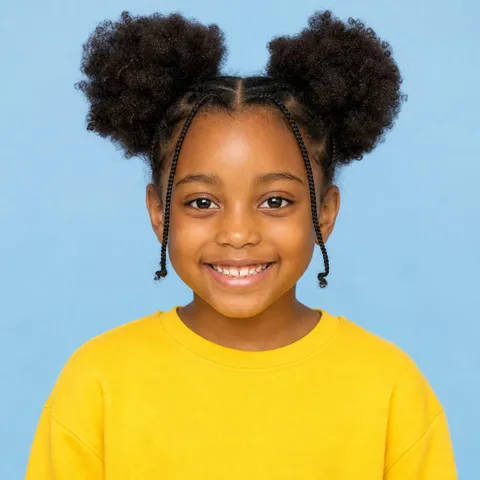 Before
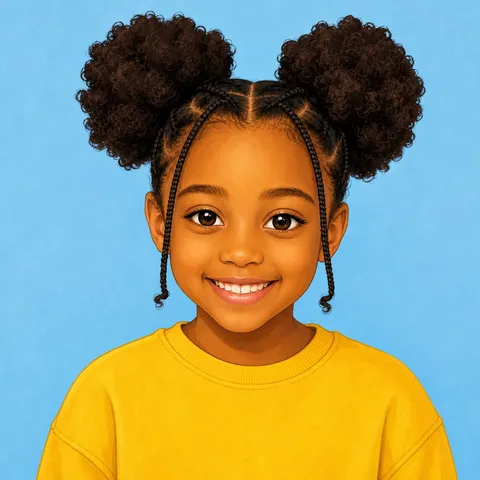 After
AfterPhoto to Cartoon
Turn a photo into a colorful illustration.
Turn a photo into a cartoon illustration with clean shapes and expressive color. The AI redraws your subject while keeping the face, pose, and outfit recognizable, so it works well for avatars, profile pictures, and playful social posts.
Common uses
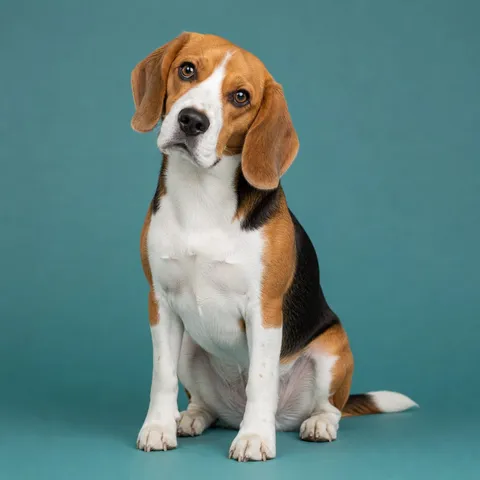 Before
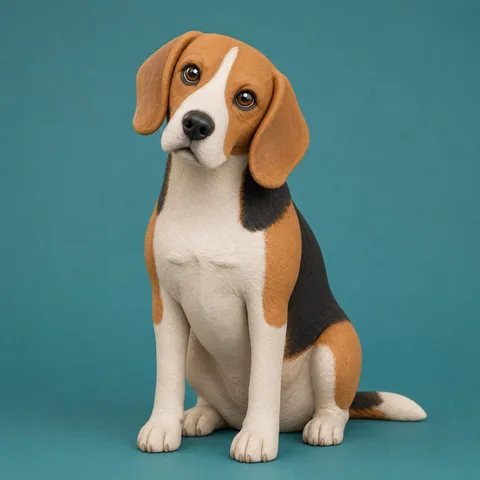 After
After3D Clay Style
Create a soft dimensional clay-style render.
Give any photo a 3D clay render treatment with soft studio lighting and smooth, sculpted surfaces. The AI rebuilds your subject as a claymation-style character while keeping it recognizable — a fun option for pet portraits, avatars, and playful gifts.
Common uses
 Before
 After
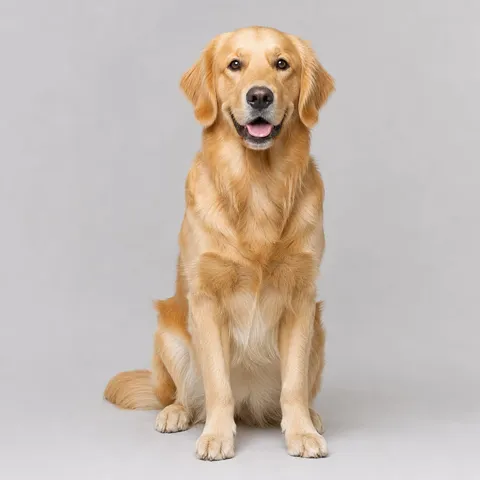
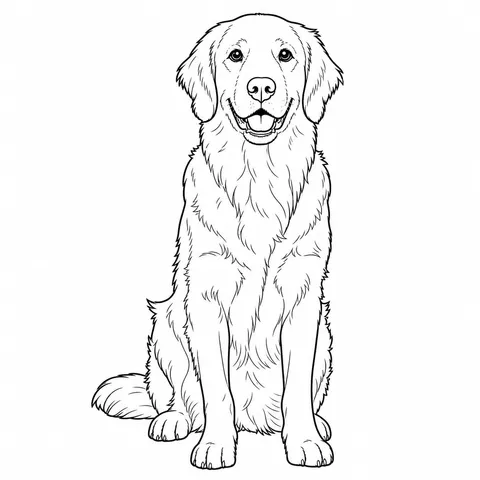
AfterPhoto to Sketch
Convert a photo into clean pencil linework.
Convert a photo into a pencil sketch with clean hand-drawn contours and natural shading. The AI traces your subject while preserving the original composition, making it useful for tattoo references, art practice, and personalized gifts.
Common uses
 Before
 After
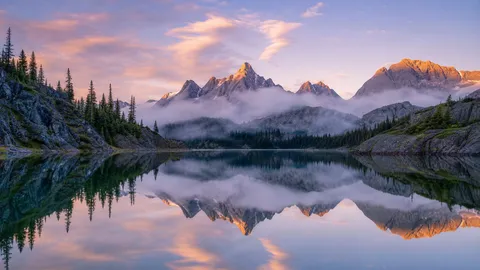
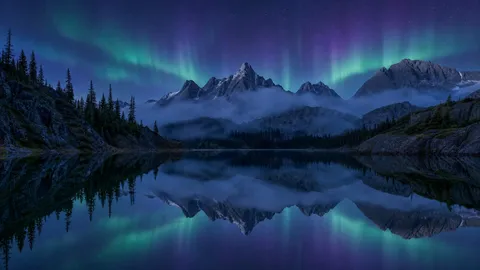
AfterColoring Page
Make a printable black-and-white outline.
Turn a photo into a coloring page with clean bold outlines, white fill areas, and no gray shading. The result is ready to print, so parents and teachers can make custom coloring pages from family photos, pets, or favorite places.
Common uses
 Before
 After
AfterAI Wallpaper
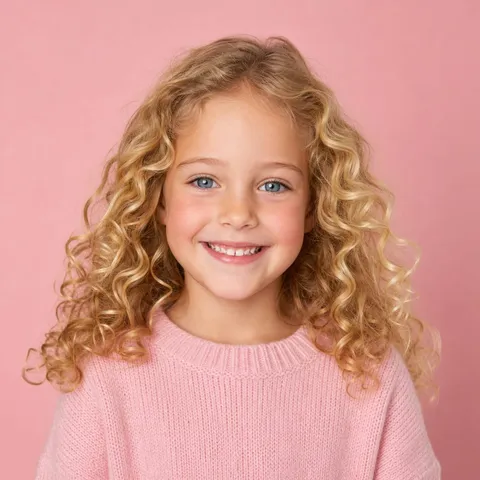
Reimagine an image as a polished wallpaper.
Reimagine any image as a polished wallpaper in the style and aspect ratio you describe. Turn a favorite photo into a vertical phone wallpaper or a wide desktop background while the AI preserves the main idea of the original scene.
Common uses
 Before
 After
AfterAnime Style
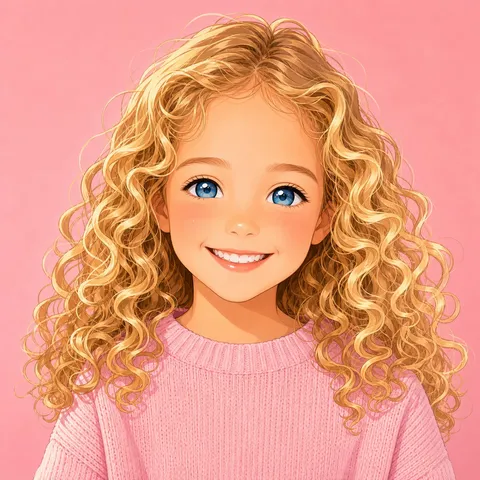
Turn a photo into a vibrant anime illustration.
Turn a photo into anime art with vibrant color and expressive linework while keeping the subject recognizable. Choose a shonen or soft anime look in your prompt — great for anime profile pictures, fan art, and gifts for anime fans.
Common uses
 Before
 After
AfterGhibli Style
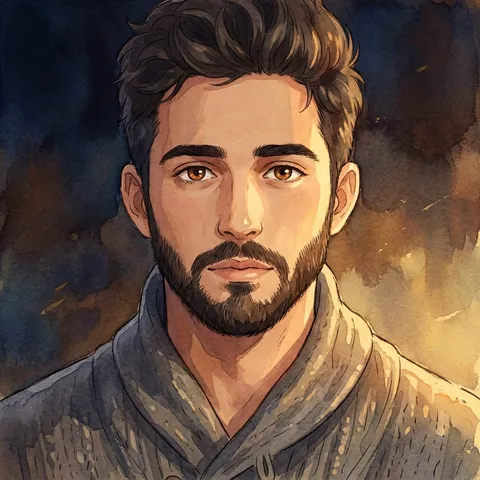
Give a photo a soft Ghibli-inspired look.
Give any photo the soft, painterly look of a Studio Ghibli film. The Ghibli filter re-renders your scene with warm hand-painted color and gentle light while keeping the subject recognizable — ideal for dreamy portraits and landscapes.
Common uses
 Before
 After
AfterOil Painting
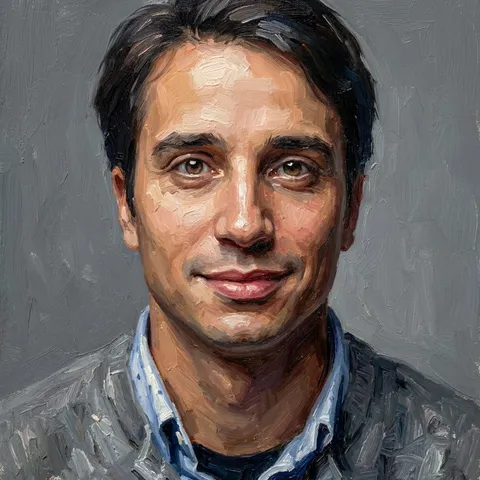
Turn a photo into a classic oil painting.
Turn a photo into an oil painting with visible brushstrokes and rich, textured color. The AI repaints your subject on a virtual canvas while keeping the likeness intact — a classic look for portraits, gifts, and wall art.
Common uses
Before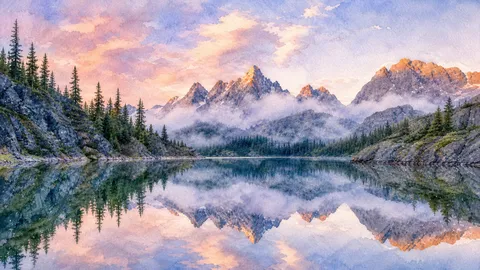 After
AfterWatercolor
Convert a photo into a soft watercolor painting.
Turn a photo into a watercolor painting with soft edges, flowing color, and visible paper texture. The AI repaints your scene in loose washes while keeping the subject recognizable — a gentle look for portraits, flowers, and landscapes.
Common uses