Enhance Tools
Upscale, sharpen, colorize, and restore your photos with AI.
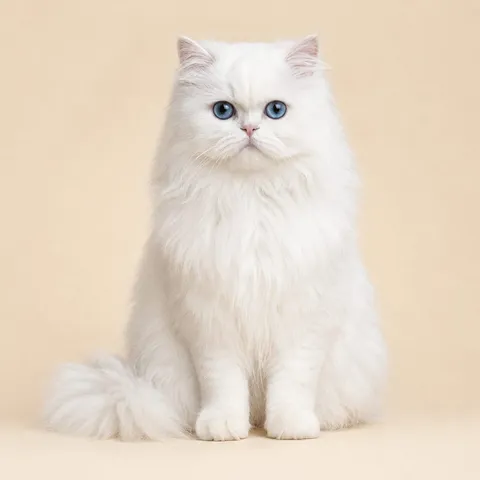 Before
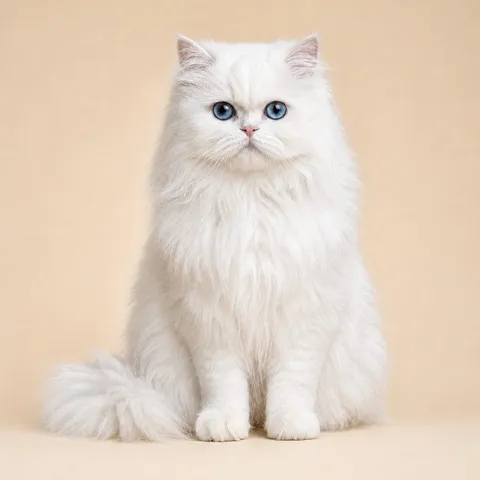 After
AfterUpscale Image
Increase resolution while preserving detail.
Increase image resolution up to 4x with an AI image upscaler that preserves sharpness, textures, and fine detail instead of inventing new content. Great for preparing small photos for print, enlarging product shots, or rescuing low-resolution downloads.
Common uses
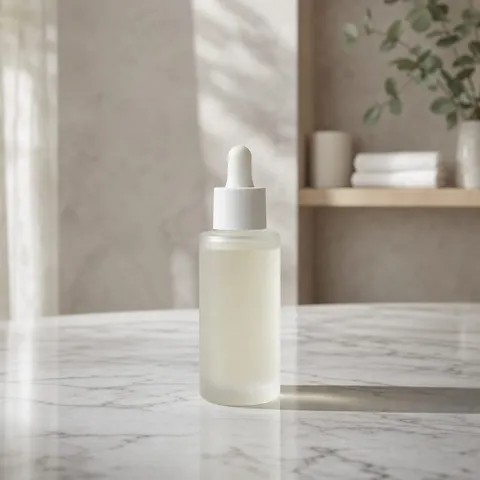 Before
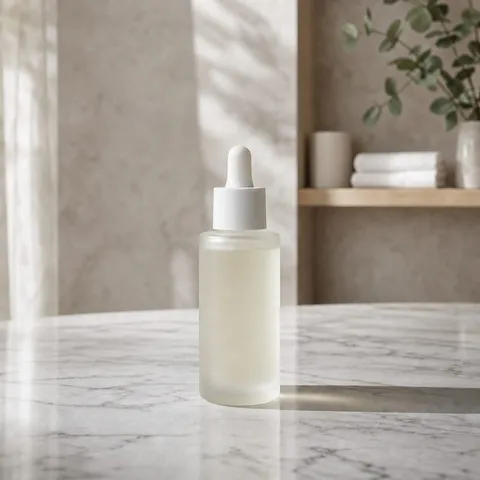 After
AfterSharpen Photo
Make a soft or blurry photo clearer.
Fix a blurry photo by reducing motion blur and soft focus while enhancing edges and fine detail, all without adding noise. Ideal for sharpening portraits, product shots, and action photos that came out slightly soft.
Common uses
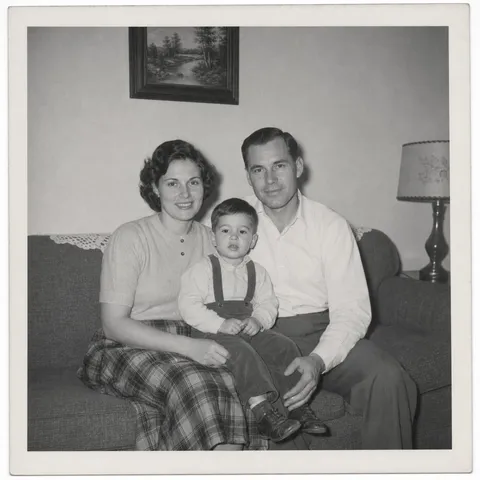 Before
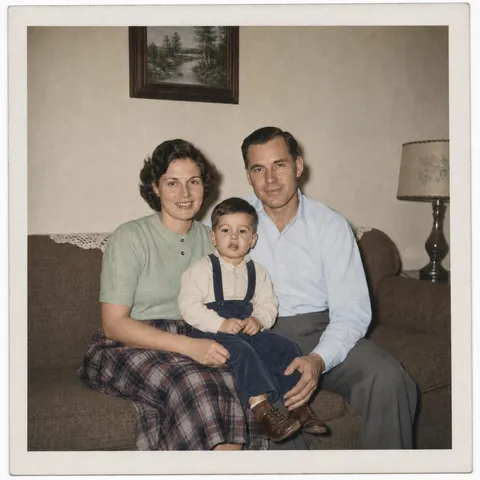 After
AfterColorize Photo
Add natural color to black-and-white photos.
Colorize black-and-white or faded photos with natural, realistic colors that stay subtle and period-appropriate. Perfect for bringing old family pictures, historical photos, and vintage portraits back to life in seconds.
Common uses
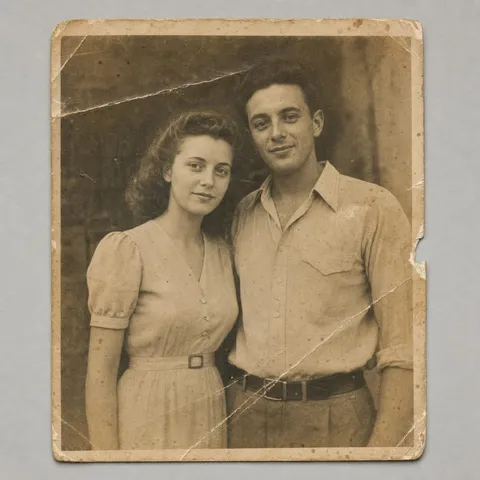 Before
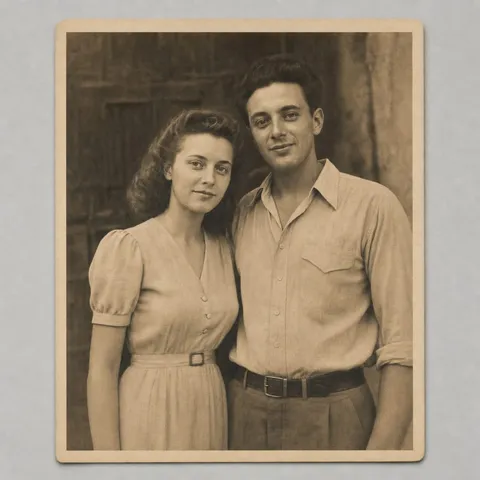 After
AfterRestore Old Photo
Repair scratches, fading, and damaged faces.
Restore old and damaged photos by repairing scratches, tears, fading, stains, and discoloration while keeping the original identity and composition. A practical way to rescue family portraits and vintage prints without a professional retoucher.
Common uses
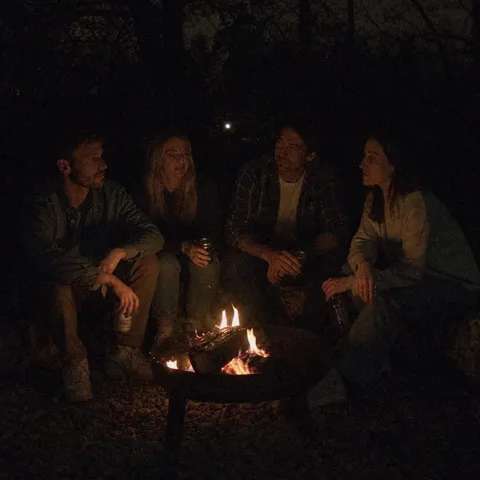 Before
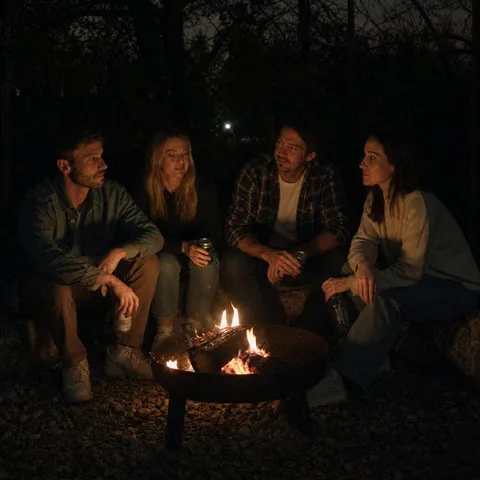 After
AfterLow-Light Enhance
Brighten dark photos without harsh noise.
Brighten dark or underexposed photos by recovering shadow detail and reducing noise while keeping colors natural. Built for night shots, indoor photos, and backlit scenes that came out too dark.
Common uses