Enhance
Sharpen Photo
Make a soft or blurry photo clearer.
Sharpen Photo
Upload a photo, then adjust the prompt if you want.
About Sharpen Photo
This tool sharpens a blurry photo by detecting soft edges, camera shake, and motion blur, then rebuilding crisp detail along them. Unlike a basic sharpen filter, it keeps noise low and preserves natural skin texture, so faces look clear instead of gritty. The subject, lighting, and colors stay untouched — only the definition improves.
Reach for it when a portrait came out slightly out of focus, when motion blur softened a shot of kids or pets, or when a product photo needs crisp edges for a listing. Tip: it works best on photos that are a little soft; a completely smeared frame can only be improved so much.
All tools
 Before
 After
AfterUpscale Image
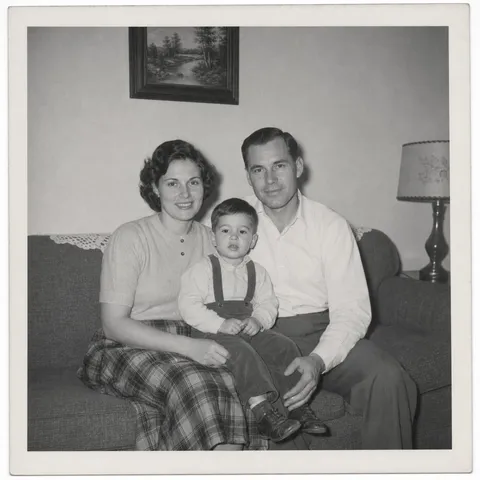 Before
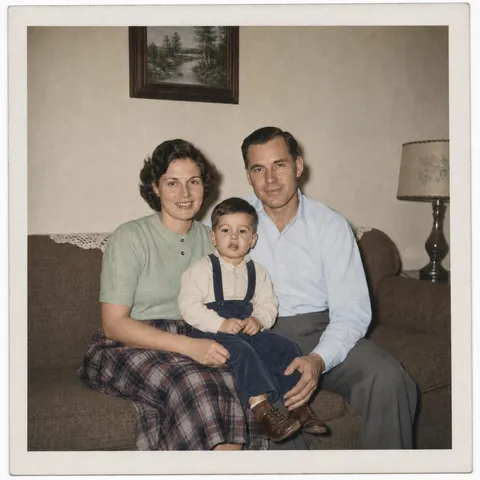 After
AfterColorize Photo
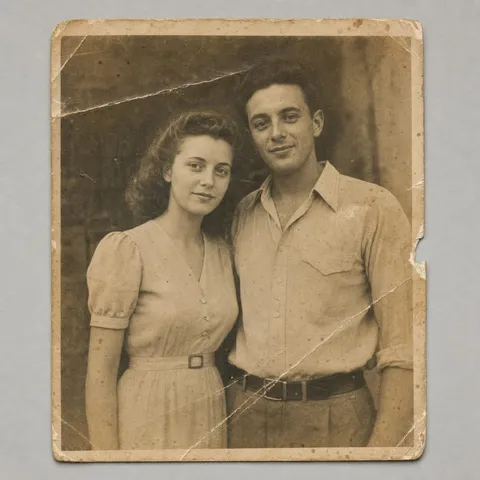 Before
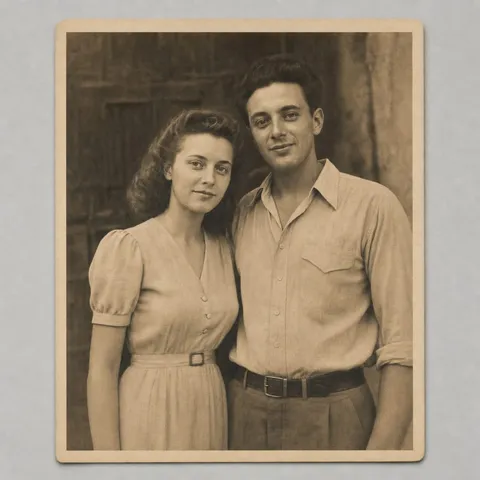 After
AfterRestore Old Photo
 Before
 After
After