Skin Retouch
Smooth skin while keeping it looking natural.
Skin Retouch
Upload a photo, then adjust the prompt if you want.
About Skin Retouch
This AI skin retouching tool removes blemishes, redness, and shiny spots from portraits without the plastic, airbrushed look. It smooths imperfections selectively while preserving natural skin texture — pores, freckles, and fine lines stay where they belong — and it leaves eyes, hair, expression, and lighting alone. The effect is closer to good sleep and good lighting than to a heavy filter.
Use it for headshots, dating photos, graduation pictures, or any portrait where temporary breakouts or harsh light got in the way of an otherwise good shot. Tip: the higher the resolution of the original, the more natural the retouch — start with a sharp photo rather than a compressed screenshot.
All tools
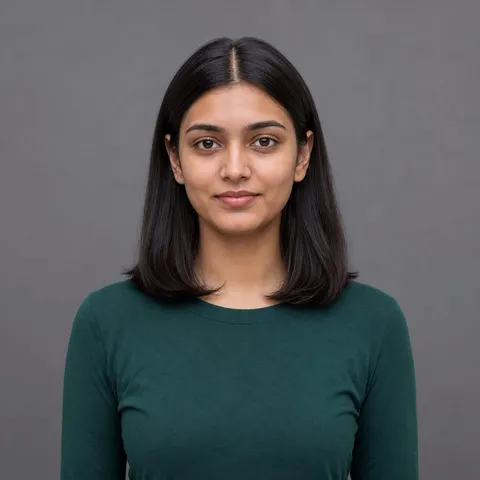 Before
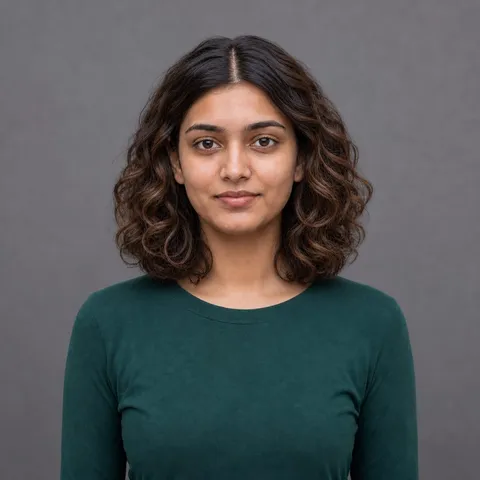 After
AfterChange Hairstyle
 Before
 After
AfterChange Outfit
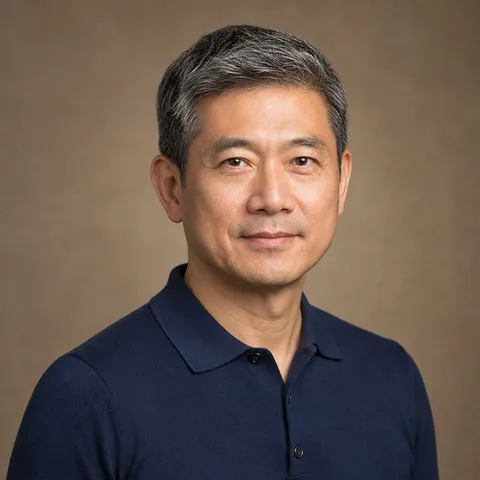 Before
 After
AfterAdd or Remove Glasses
 Before
 After
AfterProfessional Headshot
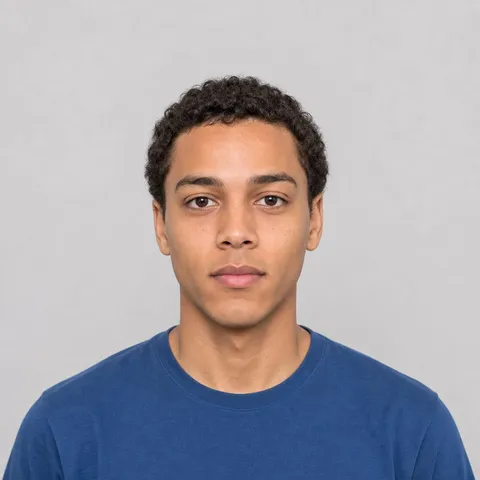 Before
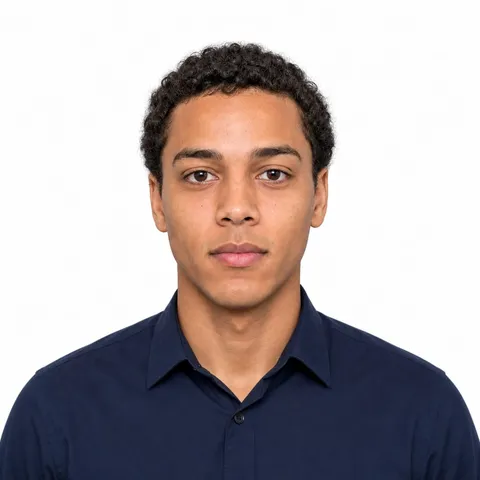 After
AfterPassport Photo
 Before
 After
AfterTeeth Whitening
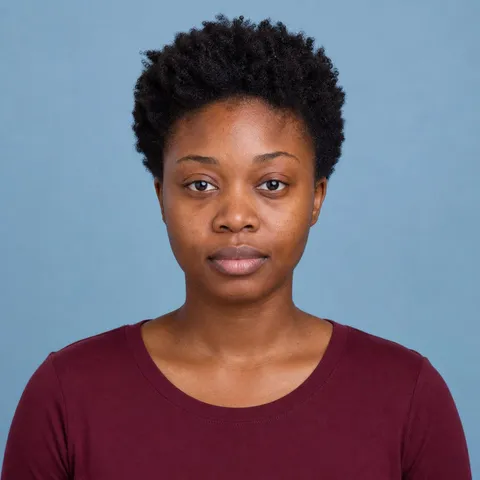 Before
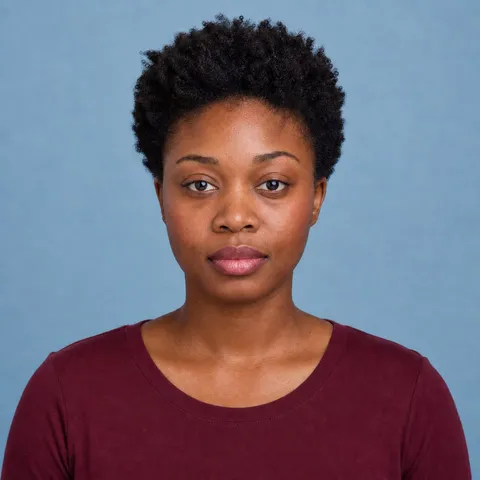 After
AfterVirtual Makeup
 Before
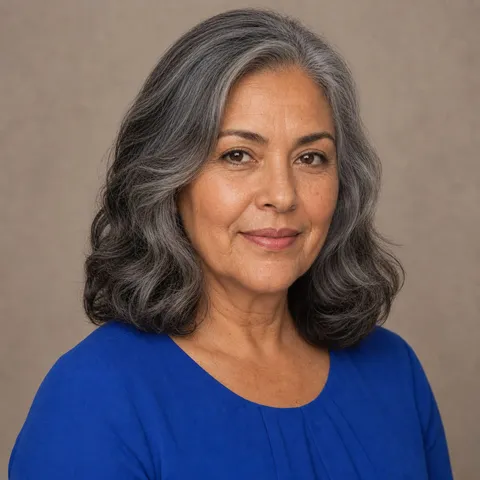 After
After