



Nano Banana 2.1
Updated image editingUpdated image editing, clearer text, and consistent revisions.
Available
AI image color changer
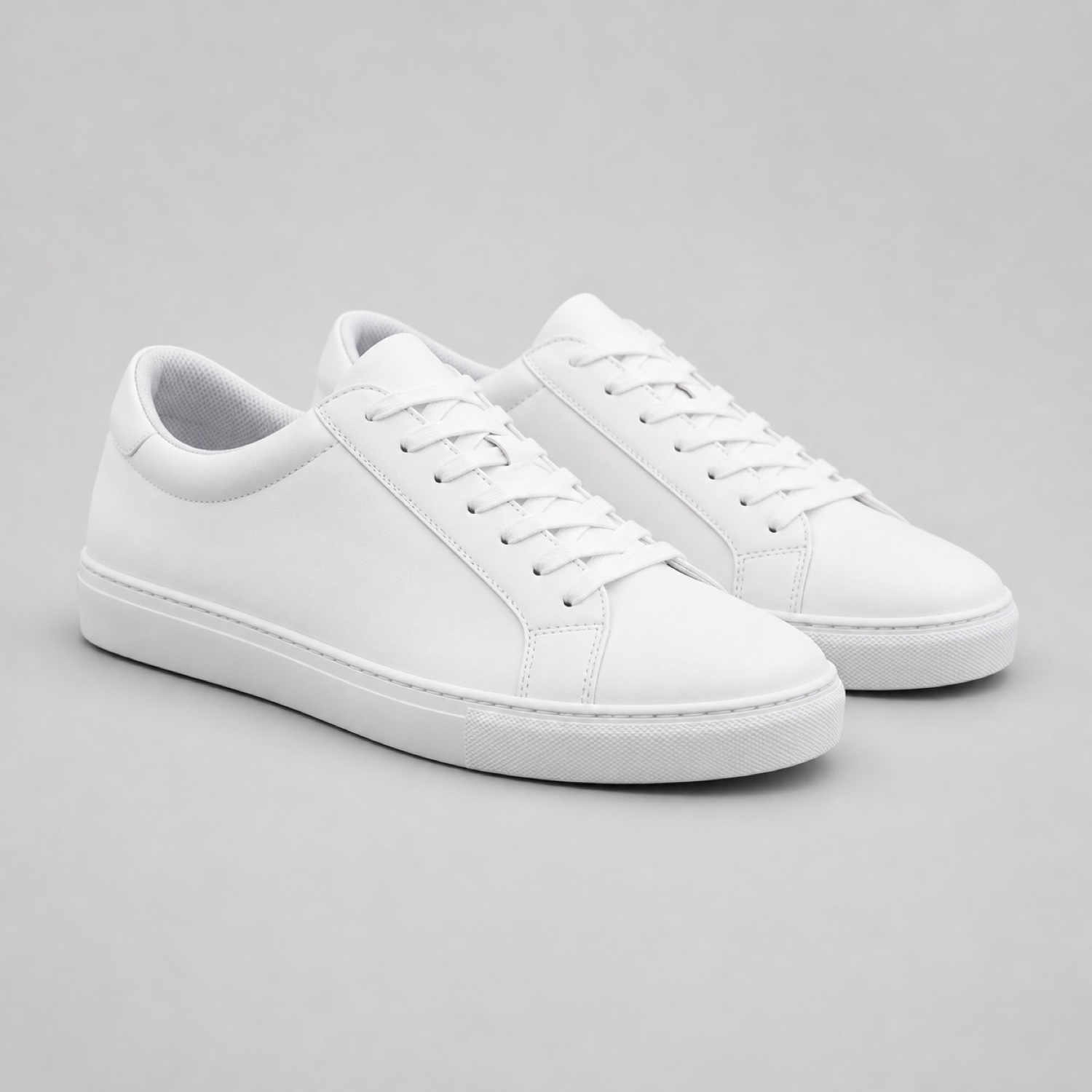
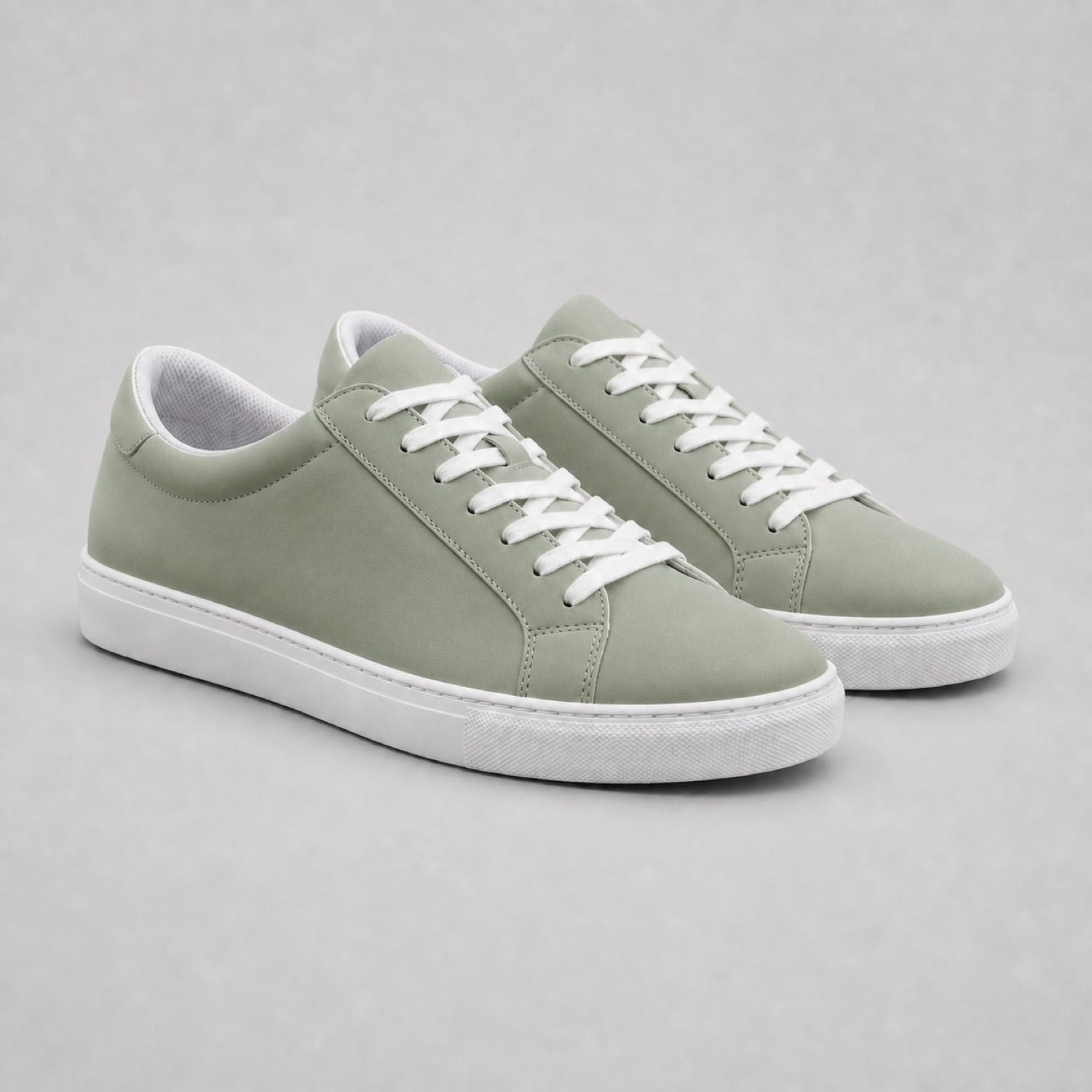
Recolor garments, products, and interior details while preserving texture, reflections, shadows, and construction.
Edit
Generation Mode
Model
Image Upload
Prompt
0/1000Try an example
Aspect Ratio
Image Resolution
Multi-model by design
Edit with Nano Banana or GPT Image 2.5 Flare / Sunburst. Choose your output size and see the credit cost before generating. Seedream integration is planned.
Nano Banana 2.1 vs Pro: compare modelsUpdated image editing, clearer text, and consistent revisions.
Best for exact edits, readable text, and high-detail 4K output.
Strong prompt understanding for quick, consistent revisions.
Fast image editing with precise natural-language instructions.
Fine control over subjects, composition, and repeated edits.
Multi-reference editing, stronger text handling, and polished commercial composition.
How it works
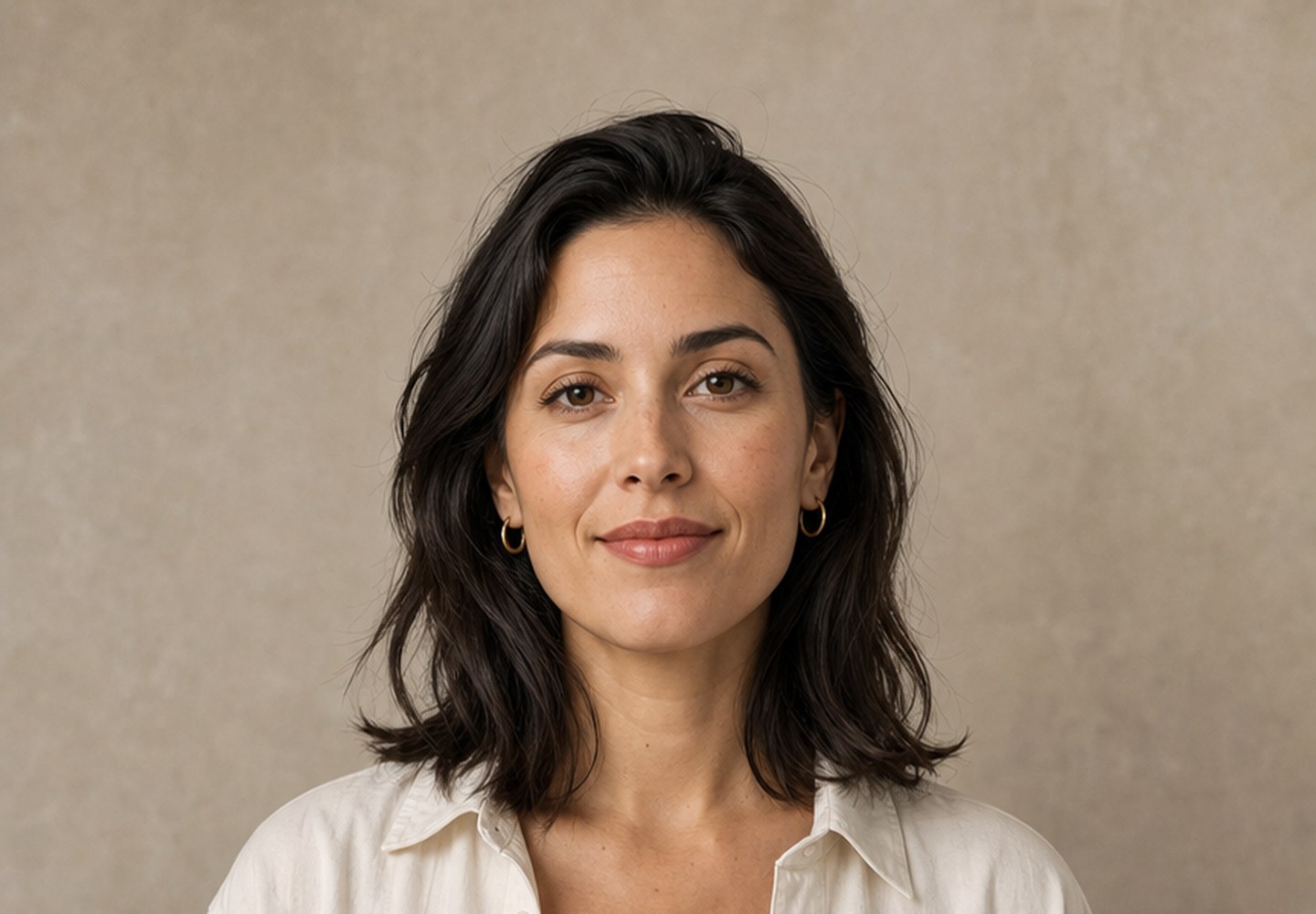
Choose a JPG, PNG, or WebP portrait, product photo, illustration, or design.
Name the subject, background, outfit, object, color, or visual style you want.
Choose the model, aspect ratio, and resolution, then download the finished result.
Simple pricing
Start with 10 welcome credits when you create an account. Paid plans begin at $29 monthly, or choose Starter yearly at $108 and save 69%.
Starter
For casual creators
Pro
For regular creators
Ultra
For power users and businesses
Images and ownership
Your upload is sent through the services needed to complete the image edit you request.
We do not claim ownership of your source images or the results created for your account.
Only upload images you have permission to use, especially when they include other people or protected work.
FAQ
Your images stay yours.
An AI image changer is an online editor that uses a text prompt to modify a photo. Upload an image, describe what should change, and the AI creates a new version while preserving important subjects, lighting, and composition.
Yes. New accounts receive 10 welcome credits to try AI image editing online in the browser, with no software to install. For more generations, choose a flexible monthly plan or save with annual billing.
You can explore the editor, compare generation modes, and review the available AI models before signing up. An account is required when you generate an image so we can securely track your credits, results, and generation history.
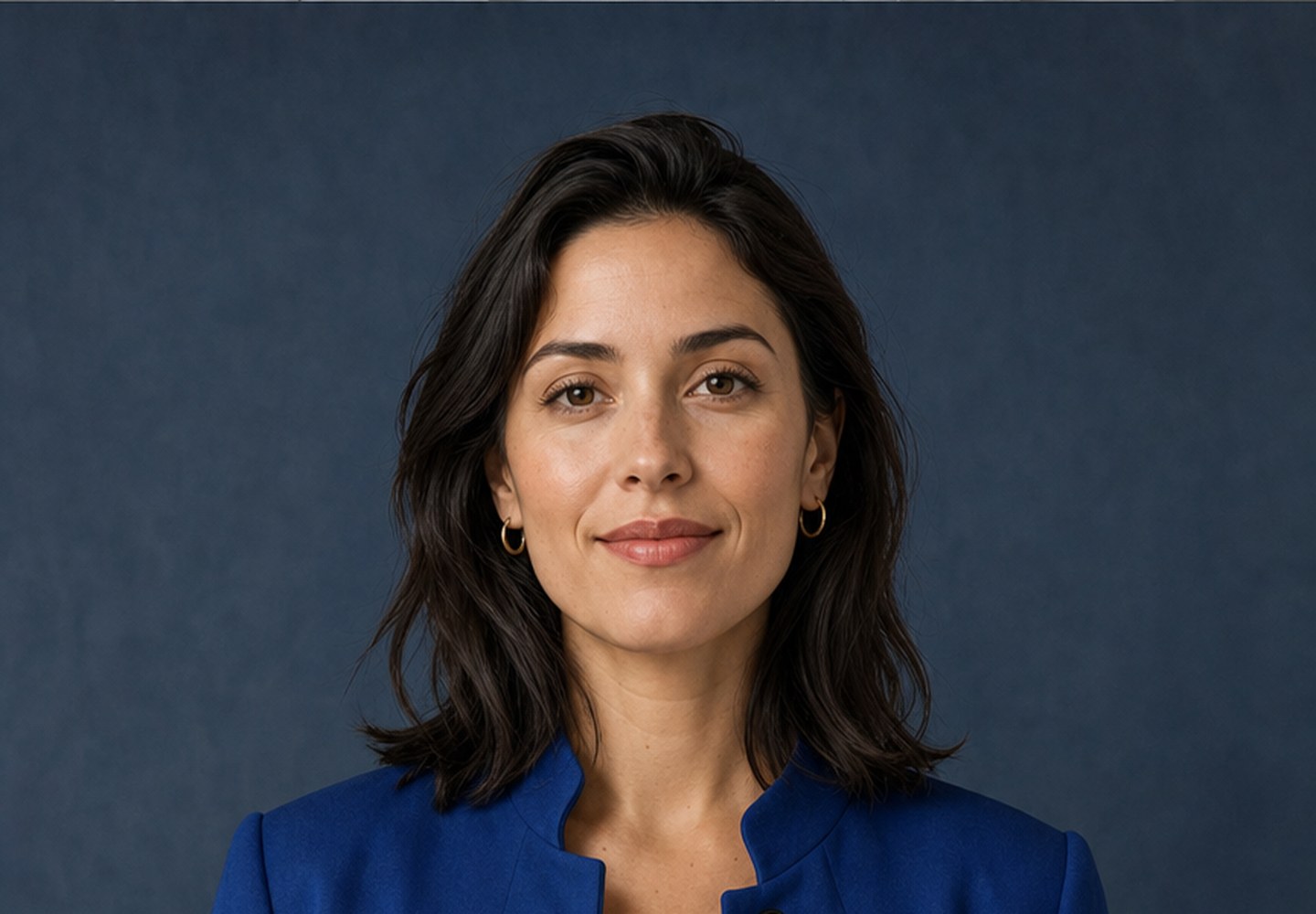
Upload your photo, choose a model, and enter a prompt such as “replace the background with a bright product studio.” The AI image background changer rebuilds the scene while keeping the main subject recognizable and preserving important edges, light, and composition.
Yes. Use the AI image clothes changer to swap an outfit or fabric, the AI image color changer to recolor a product or interior detail, or the AI image style changer to create a cinematic, anime, editorial, sketch, painting, or polished 3D look.
Nano Banana 2.1, Nano Banana 2, and GPT Image 2.5 Flare / Sunburst are available with credits. Nano Banana Pro requires a Pro or Ultra plan. Choose an aspect ratio and 1K, 2K, or 4K output tier in the editor. GPT tiers use pixel counts and 4K is experimental. Seedream is not yet available.
You can upload JPG, PNG, and WebP files up to 10 MB. Portraits, product photos, fashion images, interiors, illustrations, campaign graphics, and old photos all work well. A clear, high-resolution source normally produces the strongest result.
Your uploads are used only to complete your edit and provide your generation result. We do not claim ownership of your images or creations, and you remain in control of the files you choose to upload.
Yes, subject to our terms and any rights attached to your original upload. The editor is suitable for product listings, social content, campaigns, and other commercial creative work, but you remain responsible for having permission to use the source image.
Upload a photo, write the change in ordinary language, and choose the model that fits the job.

