Remove People
Clear distracting people from the background.
Remove People
Upload a photo, then adjust the prompt if you want.
About Remove People
Remove People clears photobombers and background crowds out of your pictures. Tell the AI who to take out — the tourists near the fountain, the person walking behind the couple — and it removes the people from the photo and reconstructs the plaza, street, or landscape that was hidden behind them. Your main subject keeps the same pose, expression, lighting, and sharpness as before.
It's built for travel and landmark shots where you can't wait for an empty frame, real-estate photos that need a clean scene, and event pictures with strangers in the background. Tip: people standing against plain surfaces like sky, walls, or pavement are reconstructed most seamlessly; if someone partially overlaps your subject, remove them one at a time.
All tools
 Before
 After
AfterGeneral AI Edit
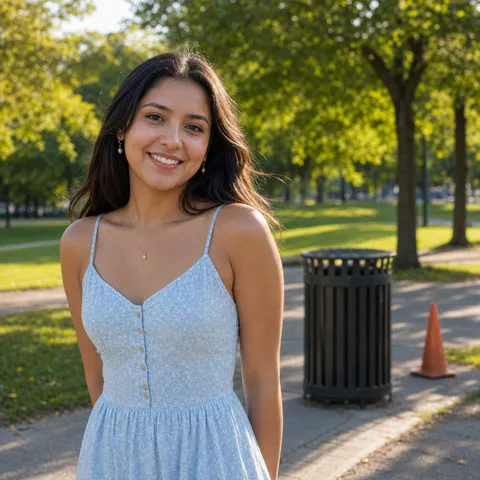 Before
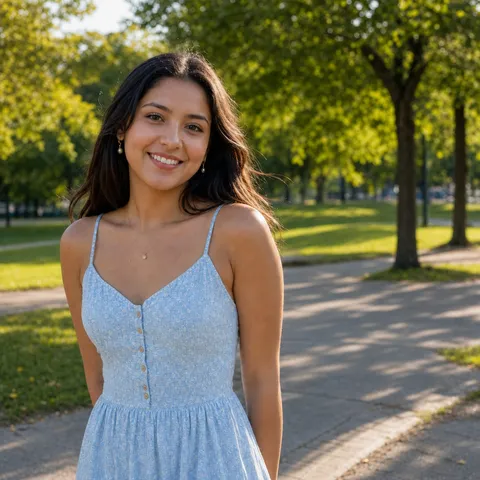 After
AfterRemove Object
 Before
 After
AfterReplace Object
 Before
 After
After