General AI Edit
Describe any visual change in plain words.
General AI Edit
Upload a photo, then adjust the prompt if you want.
About General AI Edit
General AI Edit turns written instructions into finished photo edits. Type what you want changed — "add a warm sunset glow," "apply a cinematic teal-and-orange grade," "add a subtle lens flare" — and the AI edits the image accordingly while preserving every detail you didn't ask to touch: faces, composition, lighting, and the parts of the scene you already like.
Use it to edit photos with text when the change doesn't fit a single-purpose tool: restyle a product shot's color grade, shift a daytime scene toward dusk, or fine-tune a portrait's mood. For the best result, start from a well-lit, high-resolution photo and write one specific instruction per edit instead of stacking several changes into a single prompt.
All tools
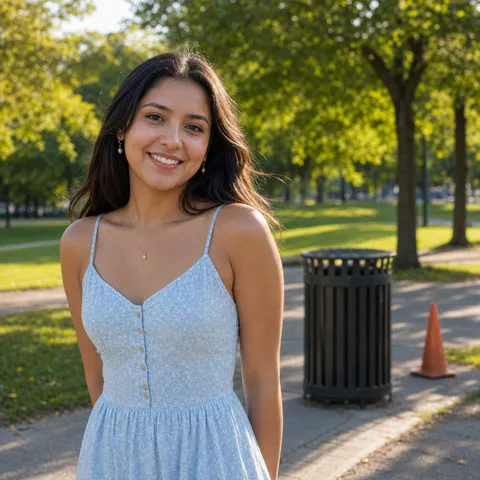 Before
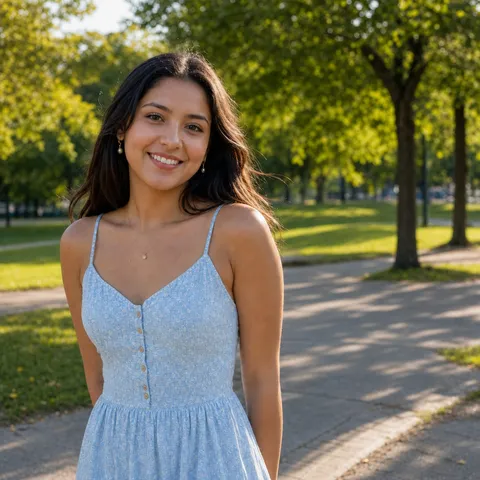 After
AfterRemove Object
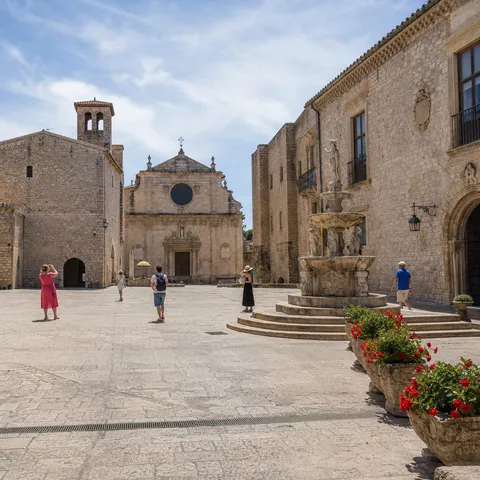 Before
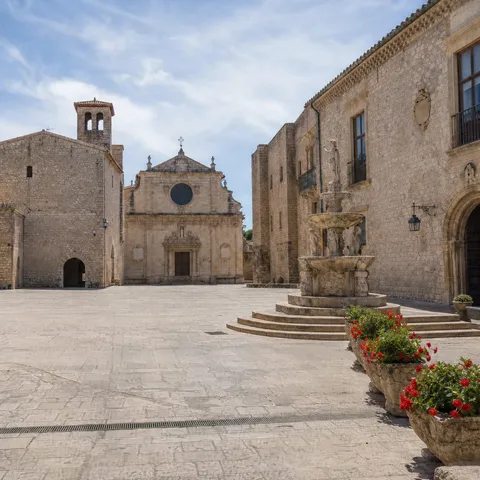 After
AfterRemove People
 Before
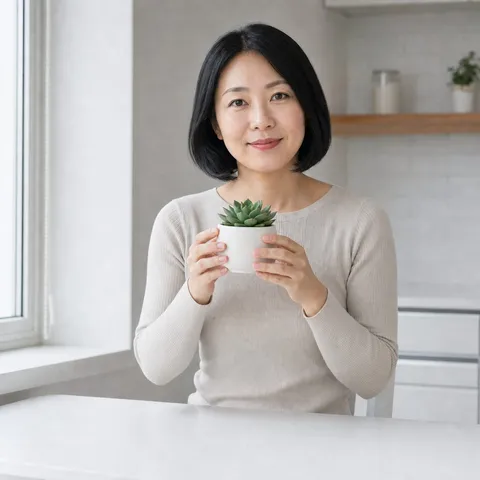 After
AfterReplace Object
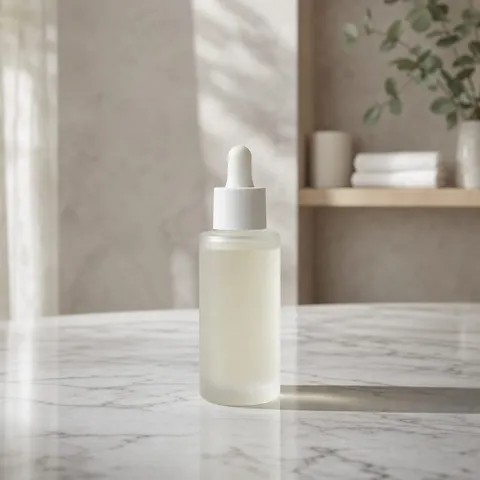 Before
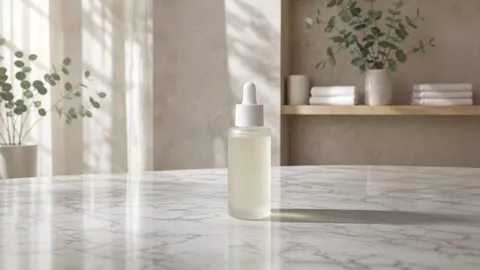 After
After