Expand Image
Extend the scene beyond the original frame.
Expand Image
Upload a photo, then adjust the prompt if you want.
About Expand Image
Expand Image uses AI outpainting to extend a photo past its original frame. Choose a direction — left and right for a wider landscape, up for more dramatic sky, or all four edges at once — and the tool generates new scenery that continues the scene, matching the source's style, lighting, color, and texture. The original center pixels stay untouched.
Practical uses: turning a vertical shot into a wide banner without cropping, converting a landscape photo to a square for a marketplace listing, or adding headroom above a subject to fit ad copy. It's the fix when a tight crop cuts off something important. Start with a sharp, well-exposed original — foliage and clouds extend more convincingly than flat, featureless edges.
All tools
 Before
 After
AfterGeneral AI Edit
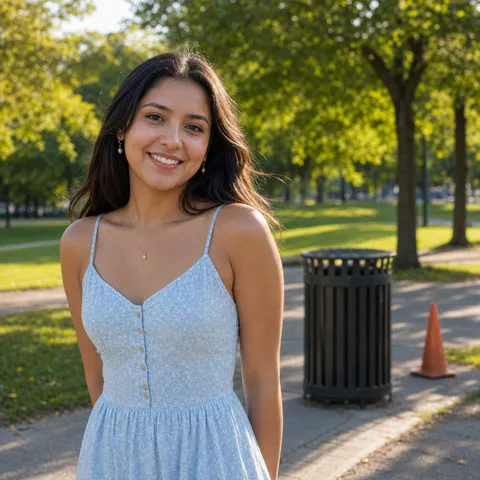 Before
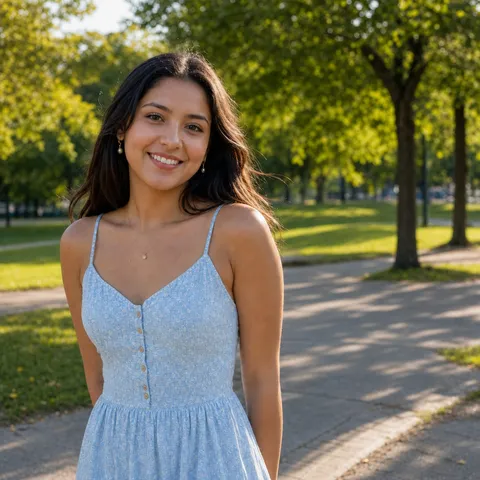 After
AfterRemove Object
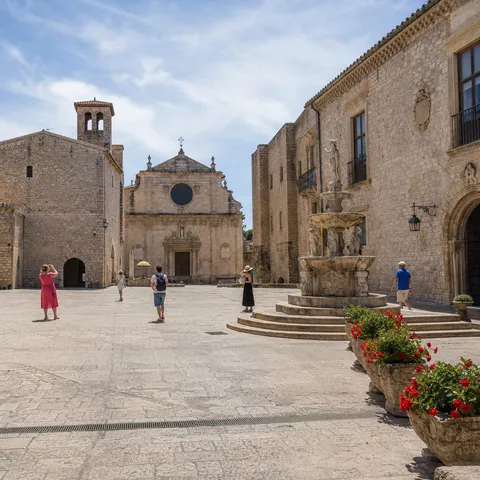 Before
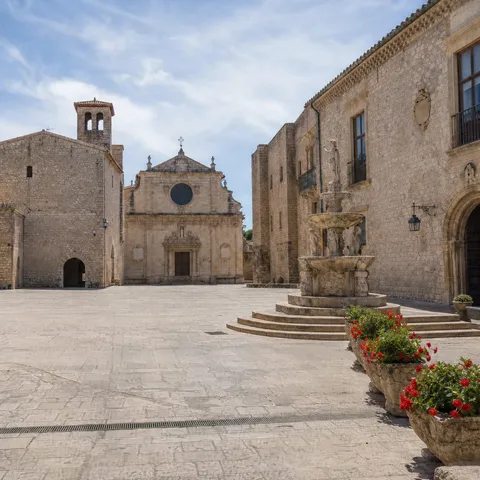 After
AfterRemove People
 Before
 After
After