Blur Background
Add natural depth of field around the subject.
Blur Background
Upload a photo, then adjust the prompt if you want.
About Blur Background
Blurring the background of a photo gives you that professional portrait look where the subject pops and everything behind melts into a soft wash. The AI separates the subject from the scene and applies a natural depth-of-field blur that falls off gradually, mimicking real lens bokeh. Your subject stays tack-sharp, with clean edges around hair, glasses, and shoulders.
Use it to fix portraits shot on a busy street, hide a messy room behind a video-call headshot, or make a product stand out without reshooting on white. Ask for a "creamy portrait bokeh" for a strong effect or a "gentle blur" for something subtle. Photos with some distance between subject and background produce the most convincing falloff.
All tools
 Before
 After
AfterRemove Background
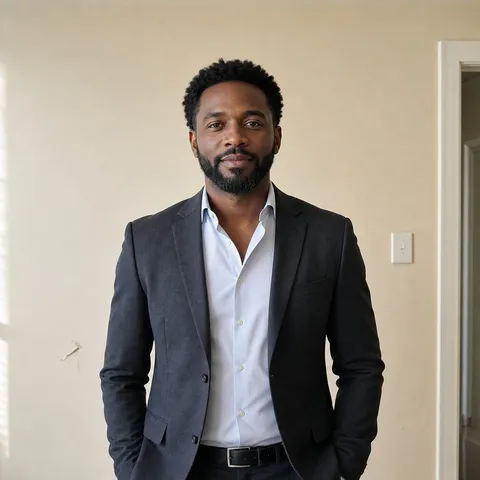 Before
 After
AfterChange Background
 Before
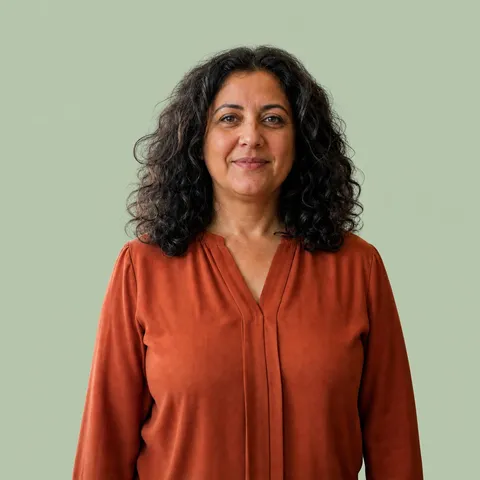 After
AfterSolid Background
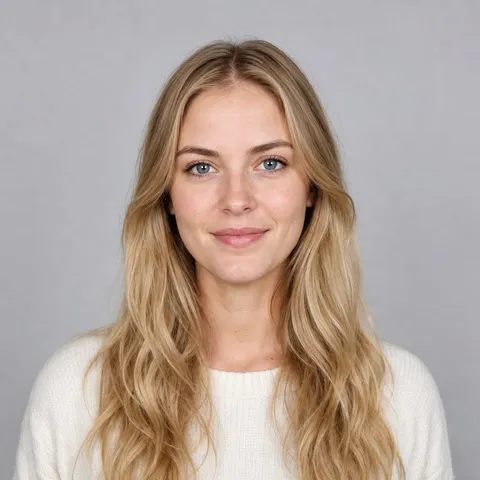 Before
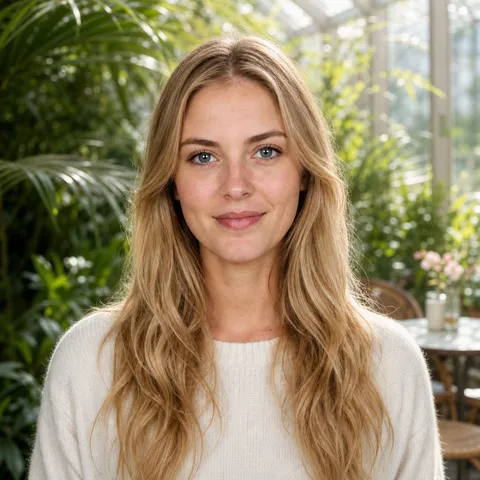 After
After